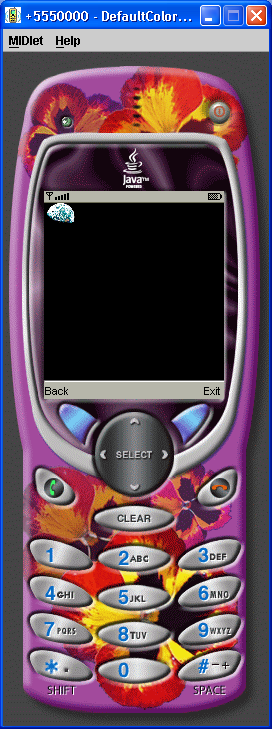
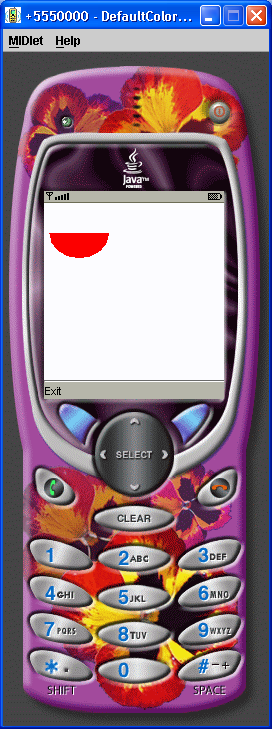
Immutable Image 1
//jad file (please verify the jar size)
/*
MIDlet-Name: ImmutableImage
MIDlet-Version: 1.0
MIDlet-Vendor: MyCompany
MIDlet-Jar-URL: ImmutableImage.jar
MIDlet-1: ImmutableImage, , ImmutableImage
MicroEdition-Configuration: CLDC-1.0
MicroEdition-Profile: MIDP-1.0
MIDlet-JAR-SIZE: 100

*/
import javax.microedition.lcdui.Alert;
import javax.microedition.lcdui.AlertType;
import javax.microedition.lcdui.Command;
import javax.microedition.lcdui.CommandListener;
import javax.microedition.lcdui.Display;
import javax.microedition.lcdui.Displayable;
import javax.microedition.lcdui.Form;
import javax.microedition.lcdui.Image;
import javax.microedition.lcdui.ImageItem;
import javax.microedition.midlet.MIDlet;

public class ImmutableImage1 extends MIDlet implements CommandListener {
  private Display display;

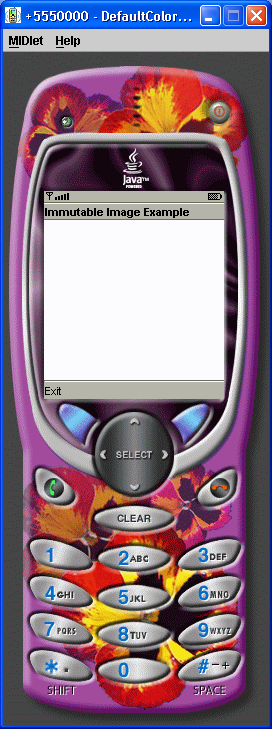
  private Form form = new Form("Immutable Image Example");

  private Command exit = new Command("Exit", Command.EXIT, 1);

  private Image image;

  private ImageItem imageItem;

  public ImmutableImage1() {
    display = Display.getDisplay(this);
    form.addCommand(exit);
    form.setCommandListener(this);
    try {
      image = Image.createImage("/myimage.png");
      imageItem = new ImageItem(null, image, ImageItem.LAYOUT_NEWLINE_BEFORE
          | ImageItem.LAYOUT_LEFT | ImageItem.LAYOUT_NEWLINE_AFTER, "My Image");
      form.append(imageItem);
    } catch (java.io.IOException error) {
      Alert alert = new Alert("Error", "Cannot load myimage.png.", null, null);
      alert.setTimeout(Alert.FOREVER);
      alert.setType(AlertType.ERROR);
      display.setCurrent(alert);
    }
  }

  public void startApp() {
    display.setCurrent(form);
  }

  public void pauseApp() {
  }

  public void destroyApp(boolean unconditional) {
  }

  public void commandAction(Command command, Displayable Displayable) {
    if (command == exit) {
      destroyApp(false);
      notifyDestroyed();
    }
  }
}
Related examples in the same category