Home
C# / C Sharp
2D Graphics
Class Interface
Collections Data Structure
Components
Data Types
Database ADO.net
Date Time
Design Patterns
Development Class
Event
File Stream
Generics
GUI Windows Form
Internationalization I18N
Language Basics
LINQ
Network
Office
Reflection
Regular Expressions
Security
Services Event
Thread
Web Services
Windows
Windows Presentation Foundation
XML
XML LINQ
Button « GUI Windows Form « C# / C Sharp
C# / C Sharp
GUI Windows Form
Button
1.
Button Image, Size, Parent
2.
Button Name, TabIndex, Text
3.
Button Localtion
4.
Button FlatStyle Styles
5.
Add image to Button
6.
Add quotation char to Button text
7.
Change Standard Button Text Alignment
8.
Popup button, Flat button and Image button
9.
Change Button text
10.
Add two action listeners to a button
11.
Add a Button
12.
Handle button messages
13.
Add button to form
14.
Button click action
15.
Picture Button
16.
Button Action Demo
17.
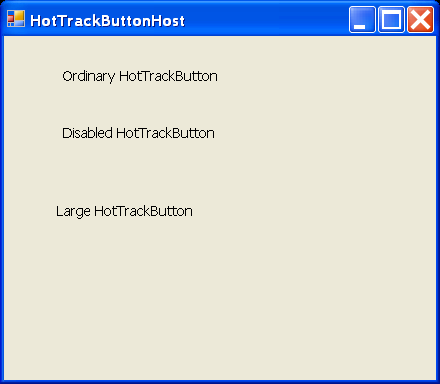
Hot Track Button Host
18.
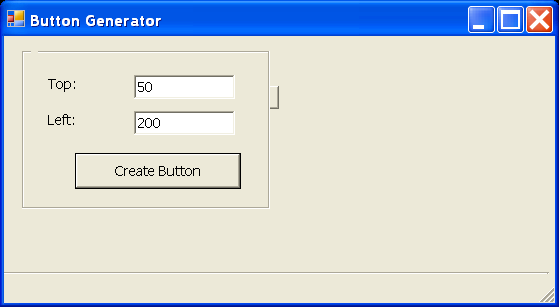
Button Generator
19.
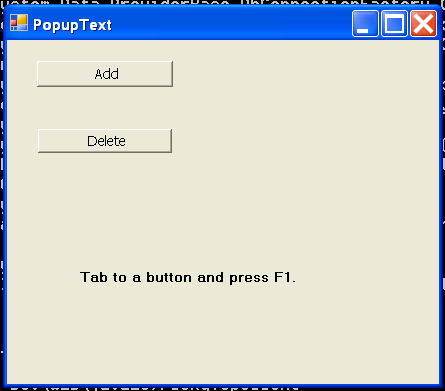
Popup Text
20.
Paint Owner-Draw Buttons