Accessing Commands : Event Command « J2ME « Java

Java
1. 2D Graphics GUI
2. 3D
3. Advanced Graphics
4. Ant
5. Apache Common
6. Chart
7. Collections Data Structure
8. Database SQL JDBC
9. Design Pattern
10. Development Class
11. Email
12. Event
13. File Input Output
14. Game
15. Hibernate
16. J2EE
17. J2ME
18. JDK 6
19. JSP
20. JSTL
21. Language Basics
22. Network Protocol
23. PDF RTF
24. Regular Expressions
25. Security
26. Servlets
27. Spring
28. Swing Components
29. Swing JFC
30. SWT JFace Eclipse
31. Threads
32. Tiny Application
33. Velocity
34. Web Services SOA
35. XML
Microsoft Office Word 2007 Tutorial
Java Tutorial
Java Source Code / Java Documentation
Java Open Source
Jar File Download
Java Articles
Java Products
Java by API
C# / C Sharp
C# / CSharp Tutorial
ASP.Net
JavaScript DHTML
JavaScript Tutorial
JavaScript Reference
HTML / CSS
HTML CSS Reference
C / ANSI-C
C Tutorial
C++
C++ Tutorial
PHP
Python
SQL Server / T-SQL
Oracle PL / SQL
Oracle PL/SQL Tutorial
PostgreSQL
SQL / MySQL
MySQL Tutorial
VB.Net
VB.Net Tutorial
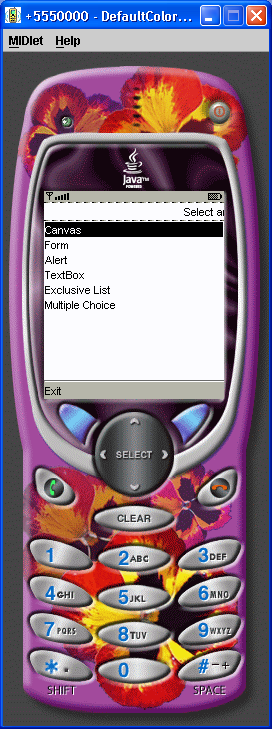
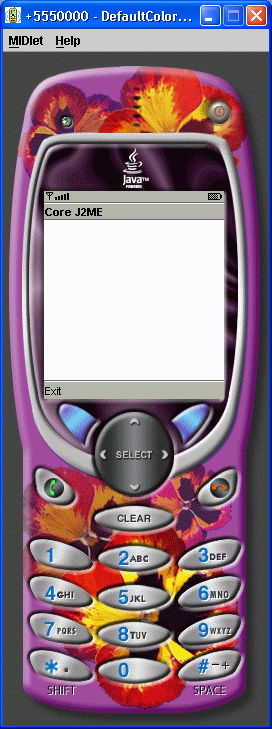
Java » J2ME » Event CommandScreenshots 
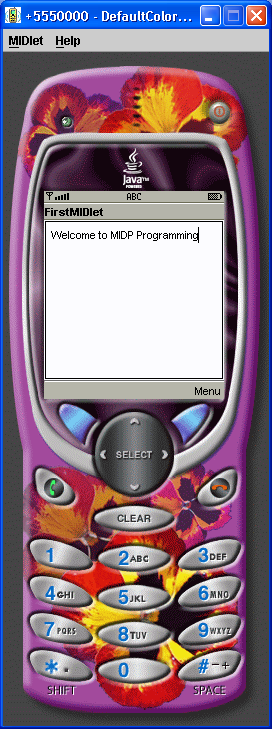
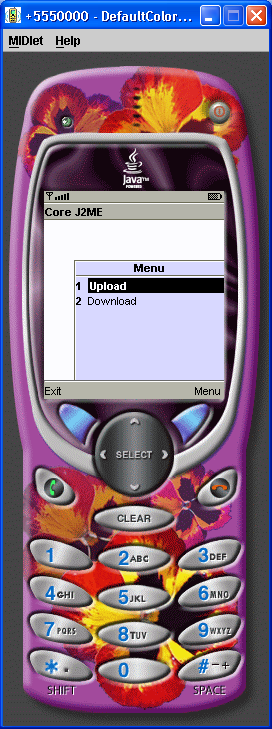
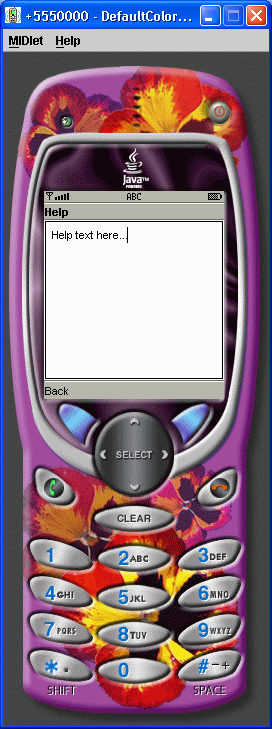
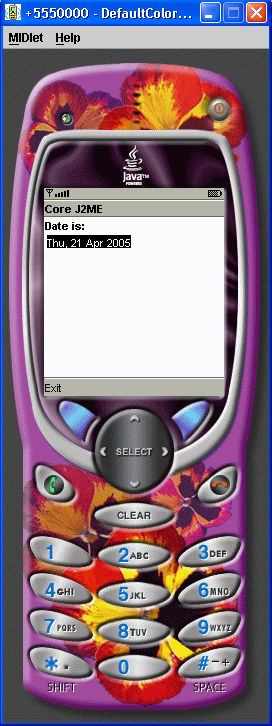
Accessing Commands
Accessing Commands

/*--------------------------------------------------
* AccessingCommands.java
*
* Example from the book:     Core J2ME Technology
* Copyright John W. Muchow   http://www.CoreJ2ME.com
* You may use/modify for any non-commercial purpose
*-------------------------------------------------*/
import javax.microedition.midlet.*;
import javax.microedition.lcdui.*;

public class AccessingCommands extends MIDlet implements CommandListener
{
  private Display display;      // Reference to Display object
  private Form fmMain;         // A Form  
  private Command cmExit;      // A Command to exit the MIDlet

  public AccessingCommands()
  {
    display = Display.getDisplay(this);

    cmExit = new Command("Exit", Command.EXIT, 1);

    fmMain = new Form("Core J2ME");
    fmMain.addCommand(cmExit);
    fmMain.setCommandListener(this);
  }

  // Called by application manager to start the MIDlet.
  public void startApp()
  {
    display.setCurrent(fmMain);
  }

  // A required method
  public void pauseApp()
  { }

  // A required method
  public void destroyApp(boolean unconditional)
  { }

  // Check to see if our Exit command was selected
  public void commandAction(Command c, Displayable s)
  {
    if (c == cmExit)
    {
      destroyApp(false);
      notifyDestroyed();
    }
  }
}


Related examples in the same category
1. Simple Command DemoSimple Command Demo
2. CommanderCommander
3. Various EventVarious Event
4. Commands, Items, and Event ProcessingCommands, Items, and Event Processing
5. Api concepts Refer to the startApp pauseApp, and destroyAppApi concepts Refer to the startApp pauseApp, and destroyApp
6. An example MIDlet with simple Hello text and an Exit commandAn example MIDlet with simple Hello text and an Exit command
7. Online Help
8. A first MIDlet with simple text and a few commands.A first MIDlet with simple text and a few commands.
9. Many CommandsMany Commands
10. Mapping CommandsMapping Commands
11. Capture Item EventsCapture Item Events
12. A quick sample of graphics, commands, and event handling.A quick sample of graphics,  commands, and event handling.
w___ww__.jav__a2s__.___c__om__ | Contact Us
Copyright 2003 - 08 Demo Source and Support. All rights reserved.
All other trademarks are property of their respective owners.