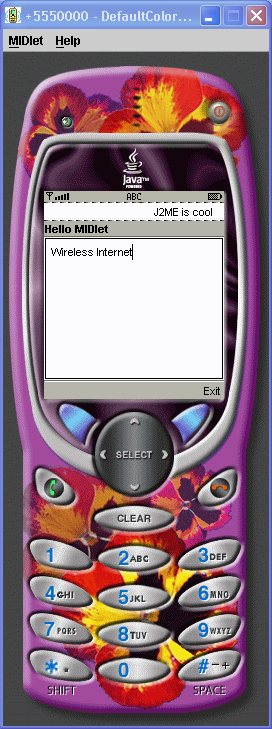
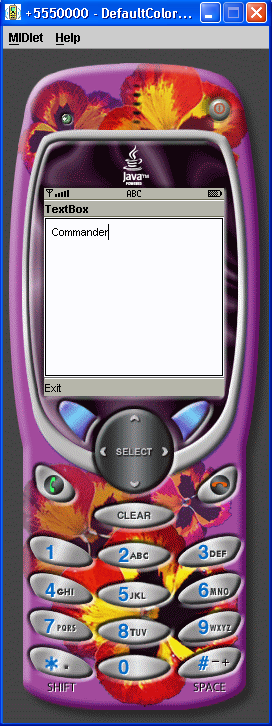
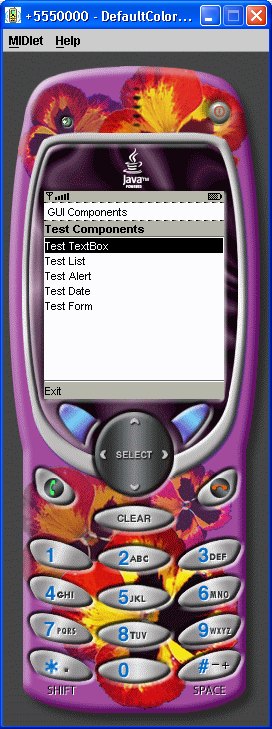
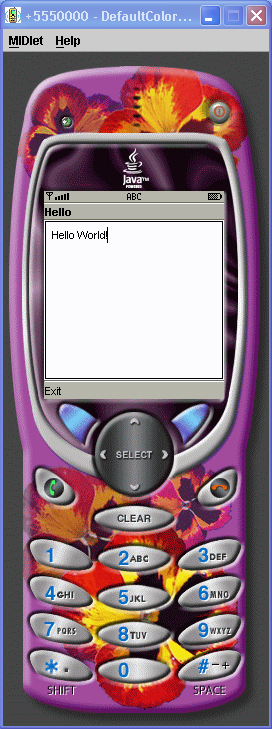
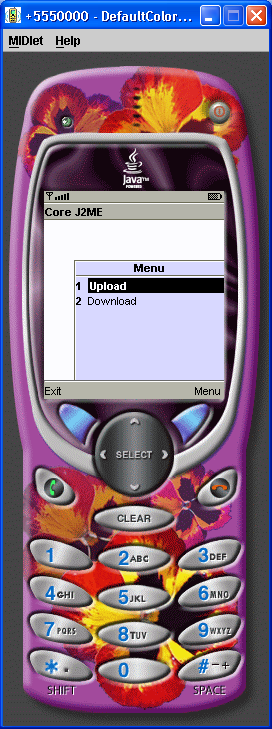
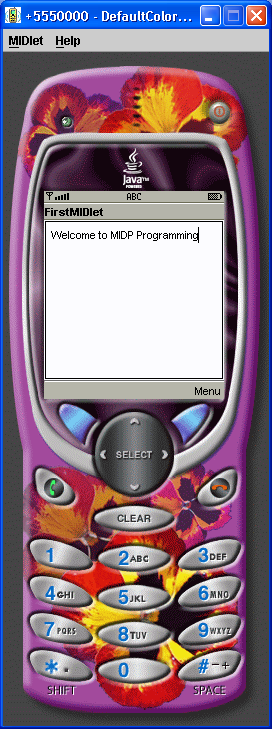
A first MIDlet with simple text and a few commands.
/* License
 *
 * Copyright 1994-2004 Sun Microsystems, Inc. All Rights Reserved.
 *
 * Redistribution and use in source and binary forms, with or without
 * modification, are permitted provided that the following conditions
 * are met:
 *
 *  * Redistribution of source code must retain the above copyright notice,
 *      this list of conditions and the following disclaimer.
 *
 *  * Redistribution in binary form must reproduce the above copyright notice,
 *      this list of conditions and the following disclaimer in the
 *      documentation and/or other materials provided with the distribution.
 *
 * Neither the name of Sun Microsystems, Inc. or the names of contributors
 * may be used to endorse or promote products derived from this software
 * without specific prior written permission.
 *
 * This software is provided "AS IS," without a warranty of any kind. ALL
 * EXPRESS OR IMPLIED CONDITIONS, REPRESENTATIONS AND WARRANTIES, INCLUDING
 * ANY IMPLIED WARRANTY OF MERCHANTABILITY, FITNESS FOR A PARTICULAR PURPOSE
 * OR NON-INFRINGEMENT, ARE HEREBY EXCLUDED. SUN MICROSYSTEMS, INC. ("SUN")
 * AND ITS LICENSORS SHALL NOT BE LIABLE FOR ANY DAMAGES SUFFERED BY LICENSEE
 * AS A RESULT OF USING, MODIFYING OR DISTRIBUTING THIS SOFTWARE OR ITS
 * DERIVATIVES. IN NO EVENT WILL SUN OR ITS LICENSORS BE LIABLE FOR ANY LOST
 * REVENUE, PROFIT OR DATA, OR FOR DIRECT, INDIRECT, SPECIAL, CONSEQUENTIAL,
 * INCIDENTAL OR PUNITIVE DAMAGES, HOWEVER CAUSED AND REGARDLESS OF THE THEORY
 * OF LIABILITY, ARISING OUT OF THE USE OF OR INABILITY TO USE THIS SOFTWARE,
 * EVEN IF SUN HAS BEEN ADVISED OF THE POSSIBILITY OF SUCH DAMAGES.
 *
 * You acknowledge that this software is not designed, licensed or intended
 * for use in the design, construction, operation or maintenance of any
 * nuclear facility.
 */

import javax.microedition.midlet.*;
import javax.microedition.lcdui.*;

// A first MIDlet with simple text and a few commands.

public class FirstMIDlet extends MIDlet
       implements CommandListener {

  //The exit, info, and buy commands
  private Command exitCommand;
  private Command infoCommand;
  private Command buyCommand;

  //The display for this MIDlet
  private Display display;

  public FirstMIDlet() {
    display = Display.getDisplay(this);
    exitCommand = new Command("Exit", Command.SCREEN, 1);
    infoCommand = new Command("Info",Command.SCREEN, 2);
    buyCommand = new Command("Buy", Command.SCREEN, 2);
  }

  // Start the MIDlet by creating the TextBox and
  // associating the exit command and listener.
  public void startApp() {
    TextBox t = new TextBox("FirstMIDlet",
                    "Welcome to MIDP Programming", 256, 0);
      t.addCommand(exitCommand);
      t.addCommand(infoCommand);
      t.addCommand(buyCommand);
      t.setCommandListener(this);
      display.setCurrent(t);
    }

  // Pause is a no-op because there are no background
  // activities or record stores to be closed.
  public void pauseApp() { }

  // Destroy must cleanup everything not handled
  // by the garbage collector.
  // In this case there is nothing to cleanup.
  public void destroyApp(boolean unconditional) { }

  // Respond to commands. Here we are only implementing
  // the exit command. In the exit command, cleanup and
  // notify that the MIDlet has been destroyed.
  public void commandAction(Command c, Displayable s) {
    if (c == exitCommand) {
       destroyApp(false);
       notifyDestroyed();
    }
  }
}
Related examples in the same category