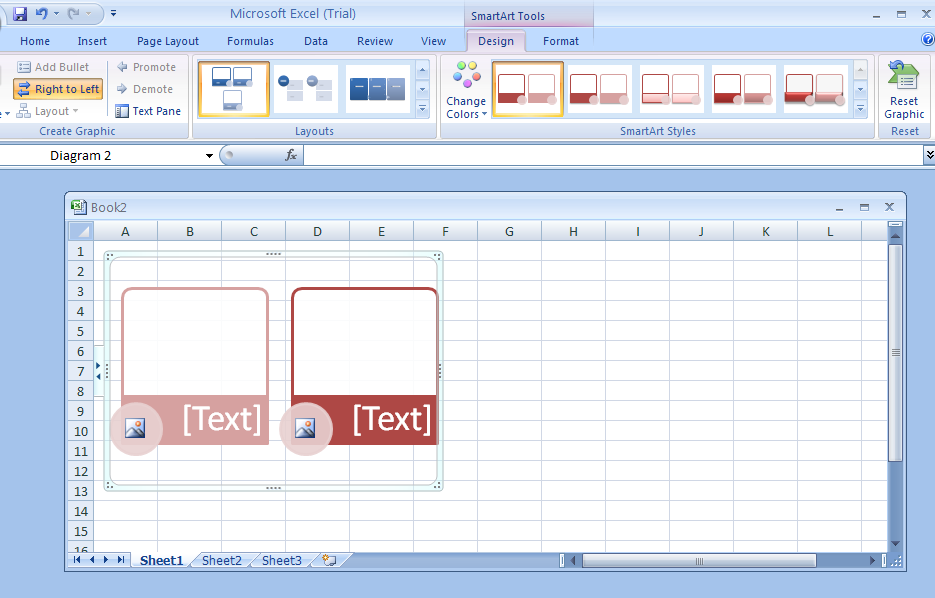
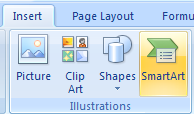
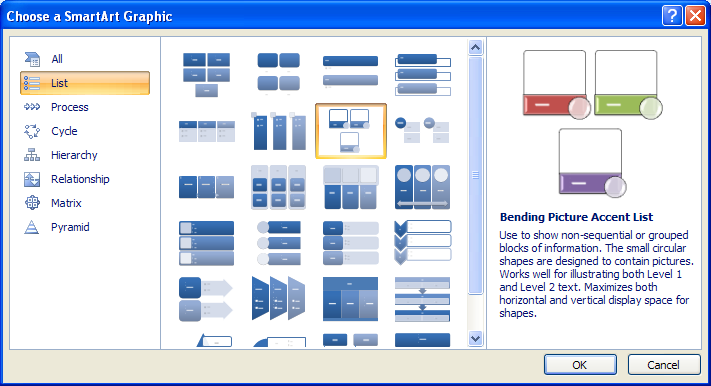
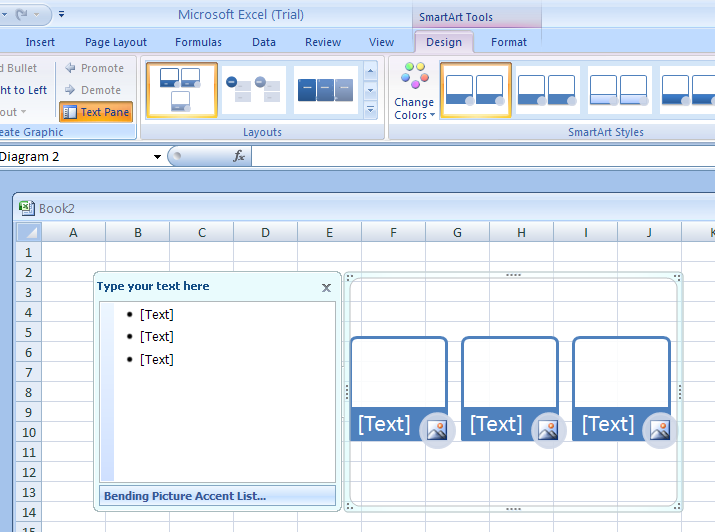
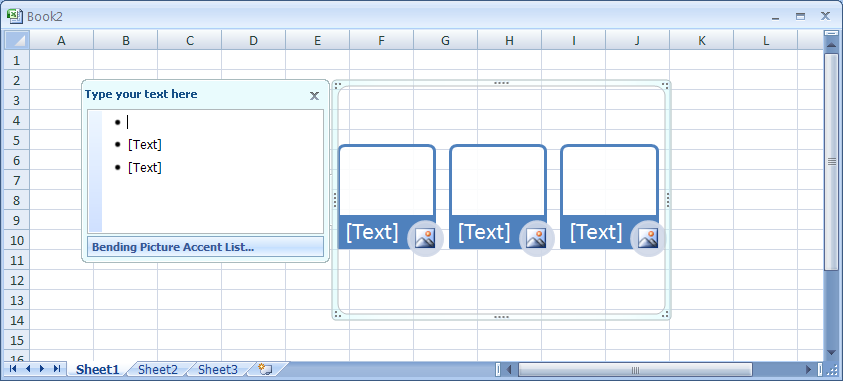
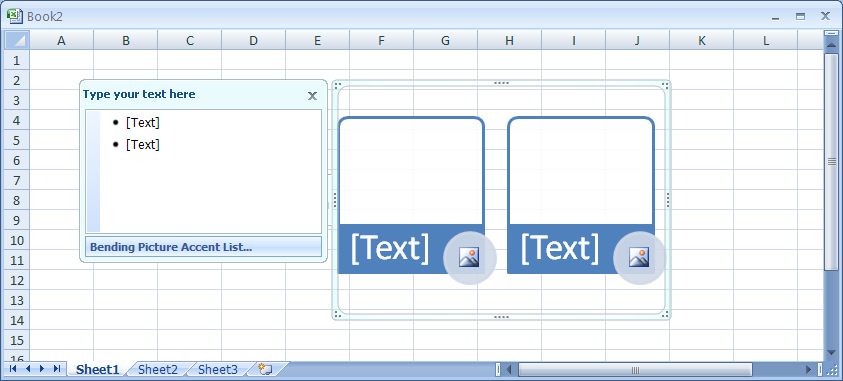
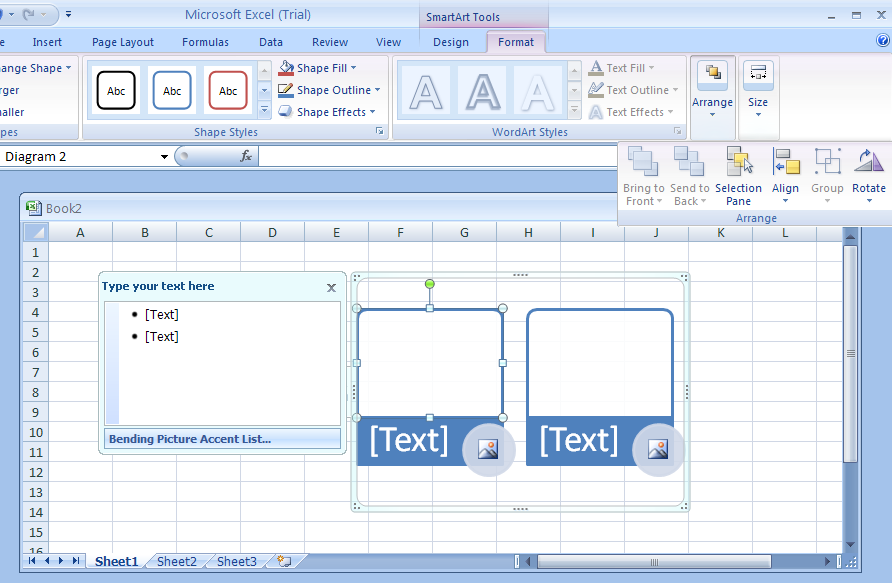
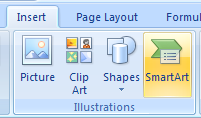
Click the SmartArt graphic.
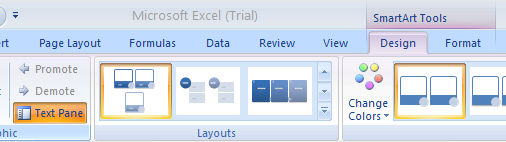
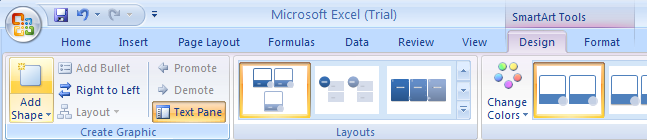
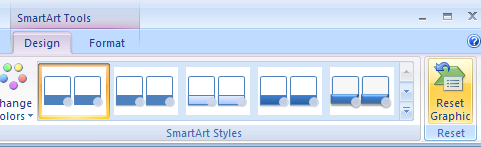
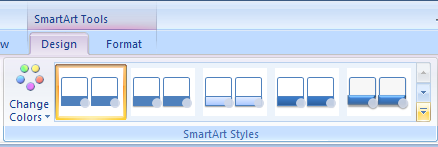
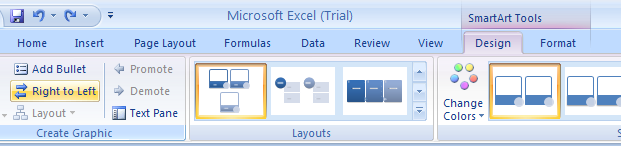
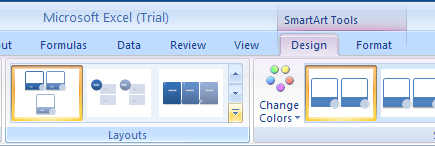
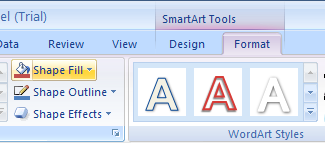
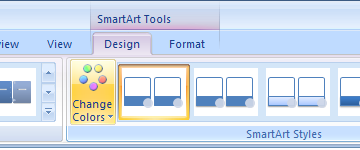
           Click the Design tab under SmartArt Tools.
           Click the Change Colors button.
The gallery displays the current layout with different theme colors.
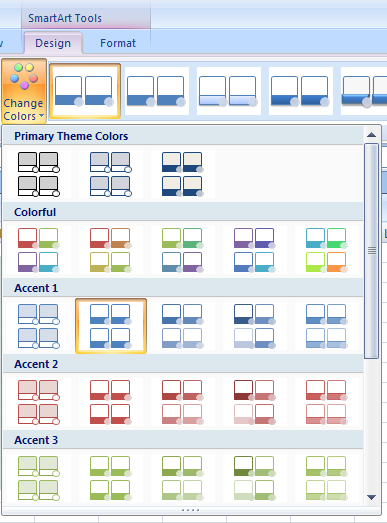
A live preview appears in the current shape when pointing to a style
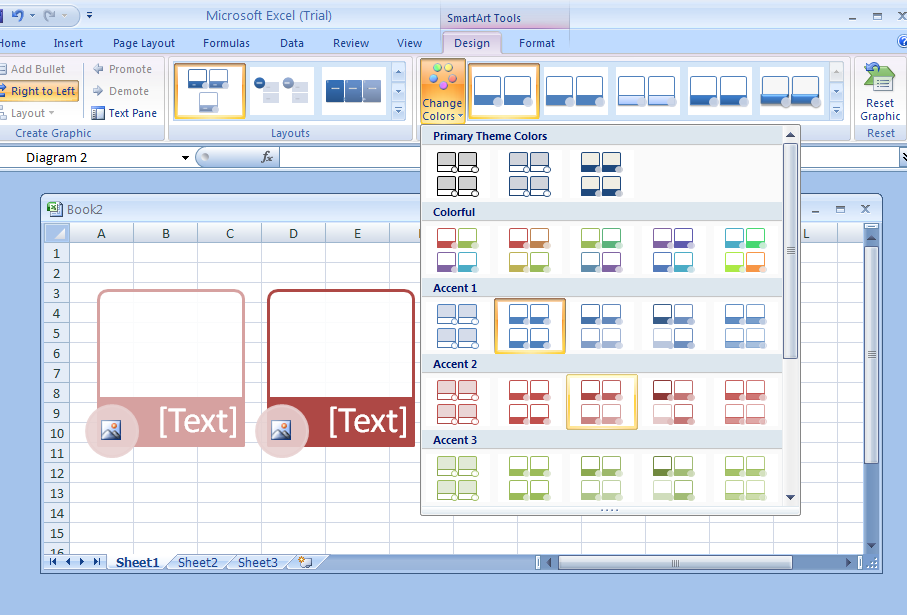
Click the layout for the SmartArt graphic from the gallery.