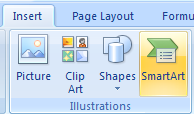
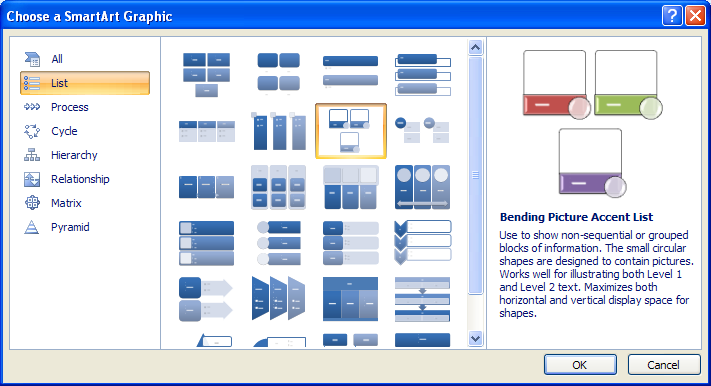
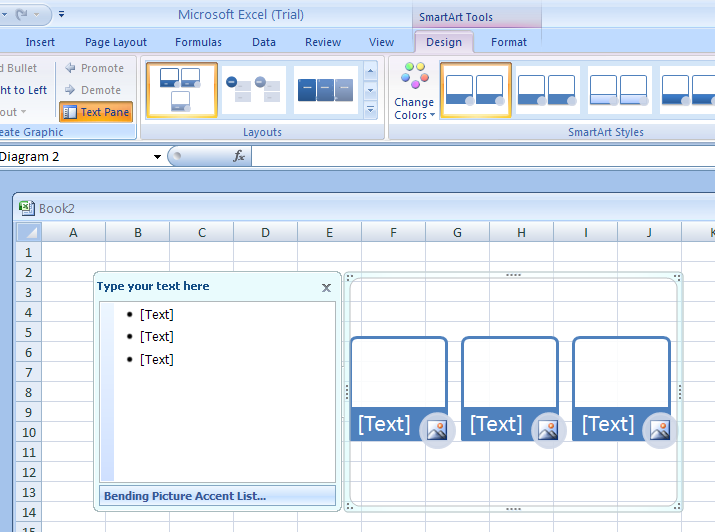
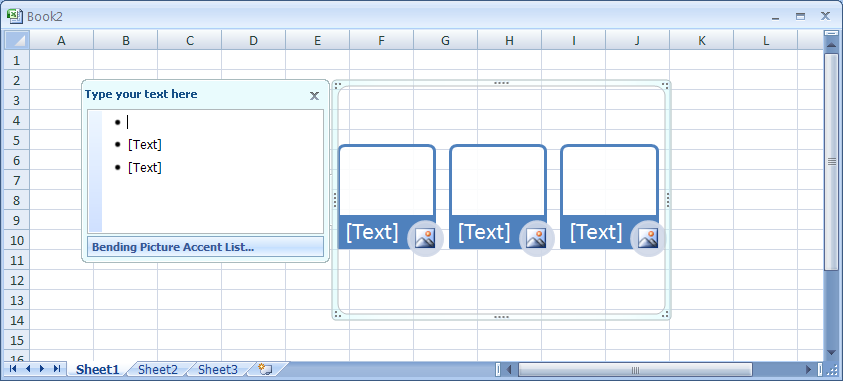
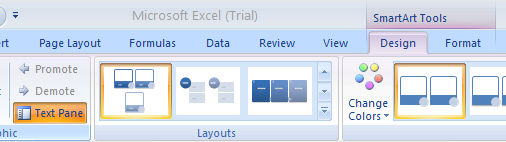
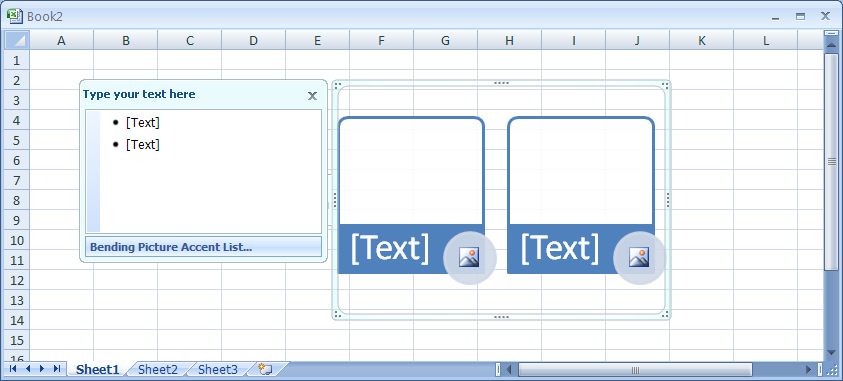
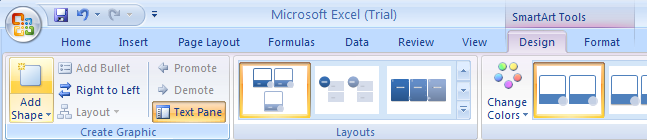
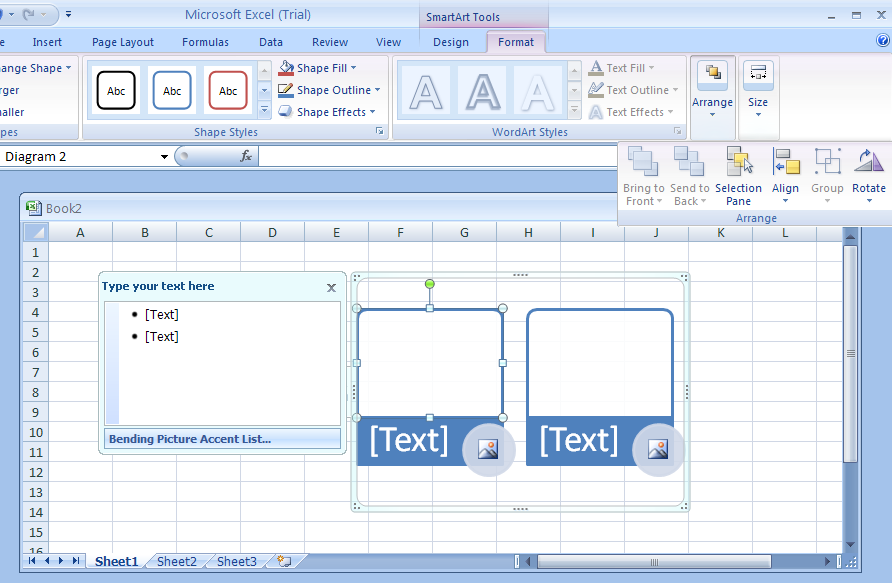
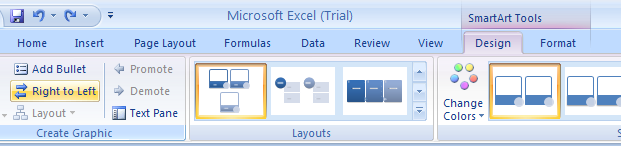
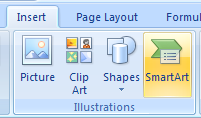
Select the shapes in the SmartArt graphic.
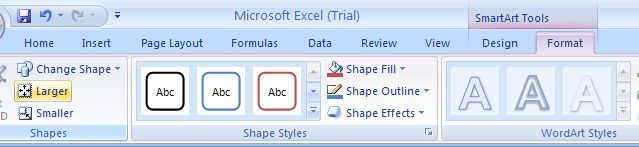
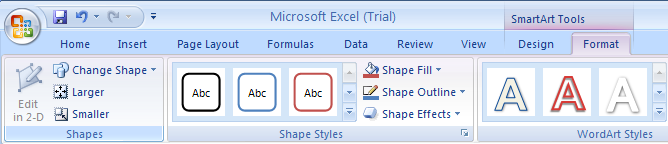
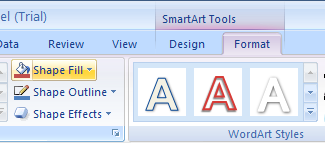
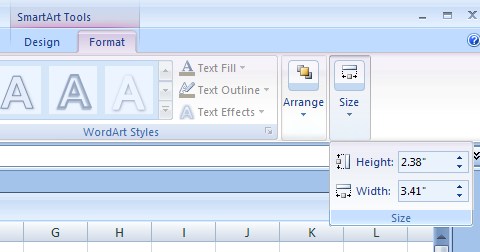
           Click the Format tab under SmartArt Tools.
           Click the Size button, and then specify the size.
Drag a corner handle to resize the object proportionally.
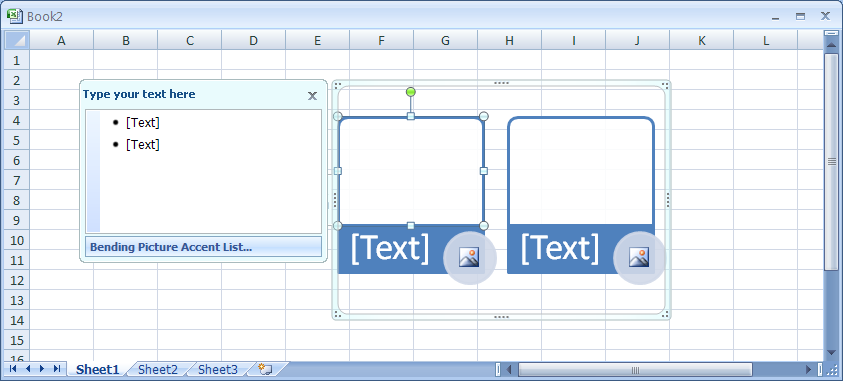
Drag a middle handle to resize the object up, down, left, or right.
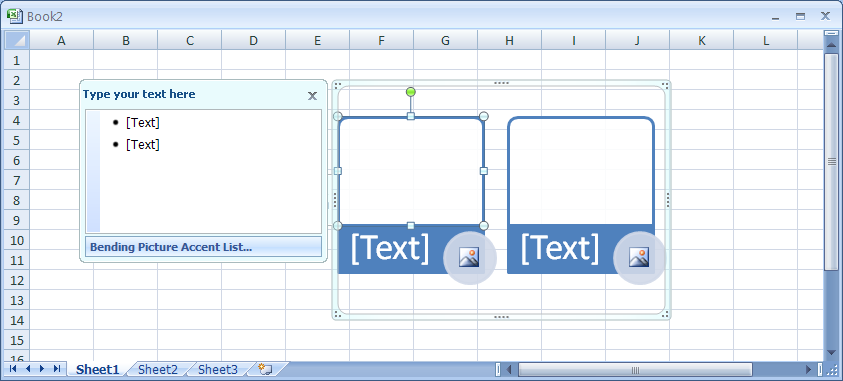
Click the Larger or Smaller to increase or decrease the object.