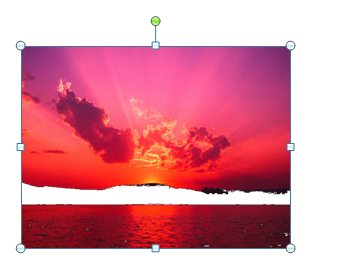
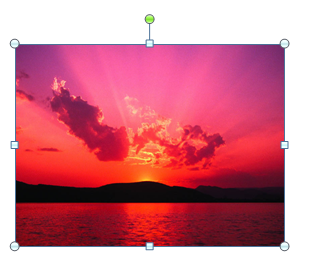
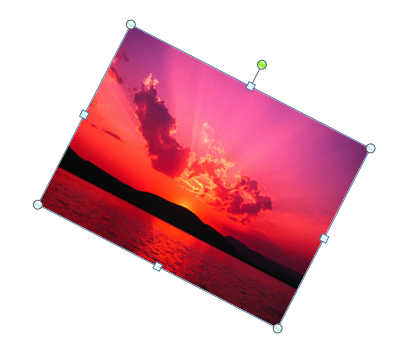
Click the picture.
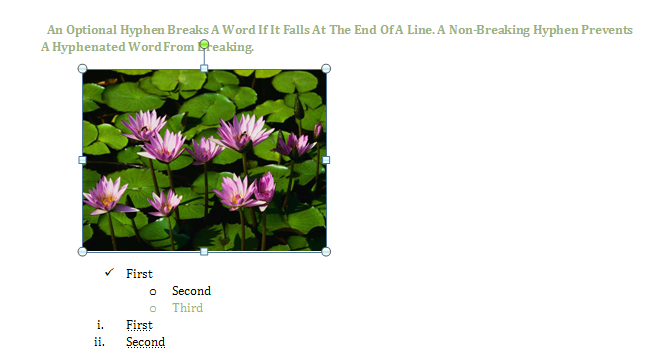
Click the Format tab under Picture Tools.

Then click the More list arrow in the Picture Styles group.
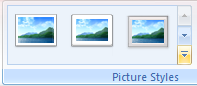
The current style appears highlighted in the gallery.
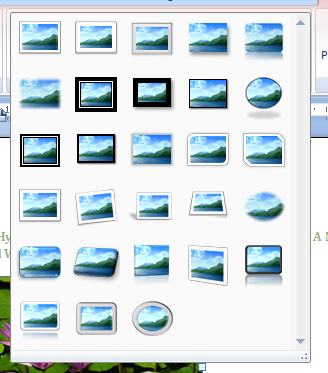
Point to a style. A live preview of the style appears in the current shape.

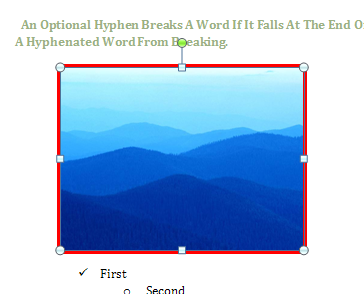
Click the style you want from the gallery to apply it to the selected picture.