Home
Silverlight
Animations
Communication
Containers
Data
Events
Graphics
Shapes
UI Controls
Button « UI Controls « Silverlight
Silverlight
UI Controls
Button
1.
Creating a Button
2.
Define a border around a single Button control setting the BorderThickness and BorderBrush properties
3.
Place a border around several Button controls contained in a StackPanel
4.
Flashing Button
5.
Button controls provide several properties that can be set to customize the look and feel of the control
6.
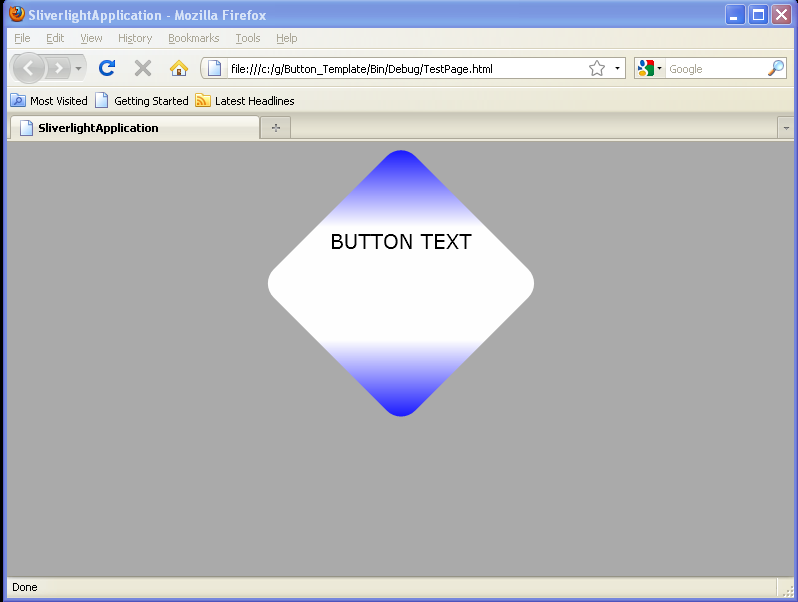
Simple Button Template
7.
Button with OpacityMask
8.
Click to rotate a Button
9.
Click to scale a Button
10.
Button Click event handler
11.
Put Button onto a Grid
12.
Add buttons to a Canvas with code
13.
Gradient background button
14.
Set Click Mode for Button
15.
Convert event send to Button
16.
Polygon as Button content
17.
Image Button by resource
18.
Set Min width and max width for Button
19.
Creating a Button that enlarges when a user hovers over it
20.
Creating a Button that transitions when a user hovers, or leaves
21.
Button Template
22.
Button click event
23.
Stack three button elements vertically
24.
The button and text block are up-side down in the custom coordinate system.
25.
Button HorizontalAlignment="Center"
26.
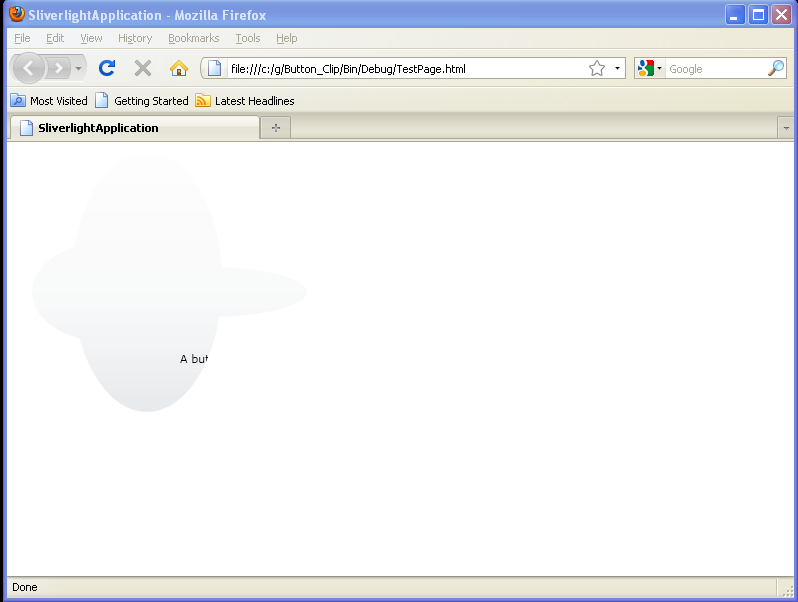
Button Clip